




- Beranda
- Sales and CRM
-
BotSL AI
 (1).png)
BotSL AI
ChatGPT Integration: text, audio, images, CRM and calls
-
Penilaian5 / 5
-
Instalasi631
-
Pengembang
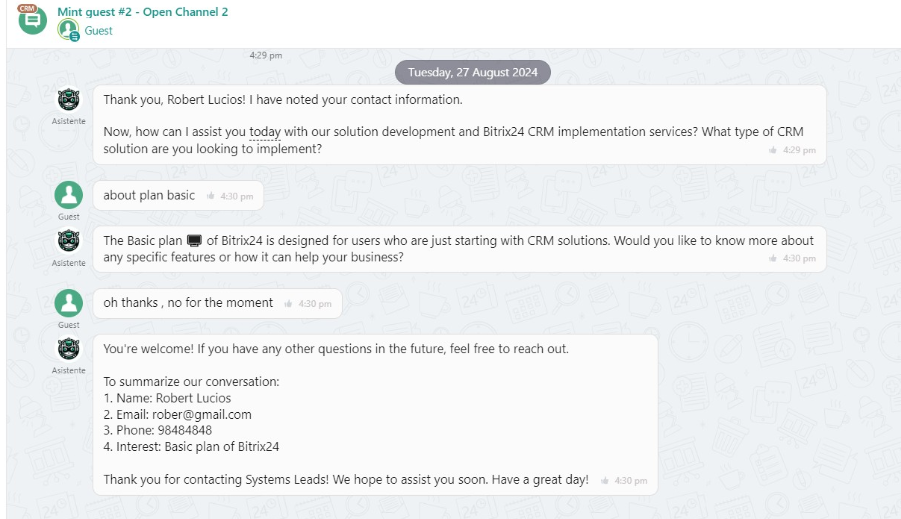
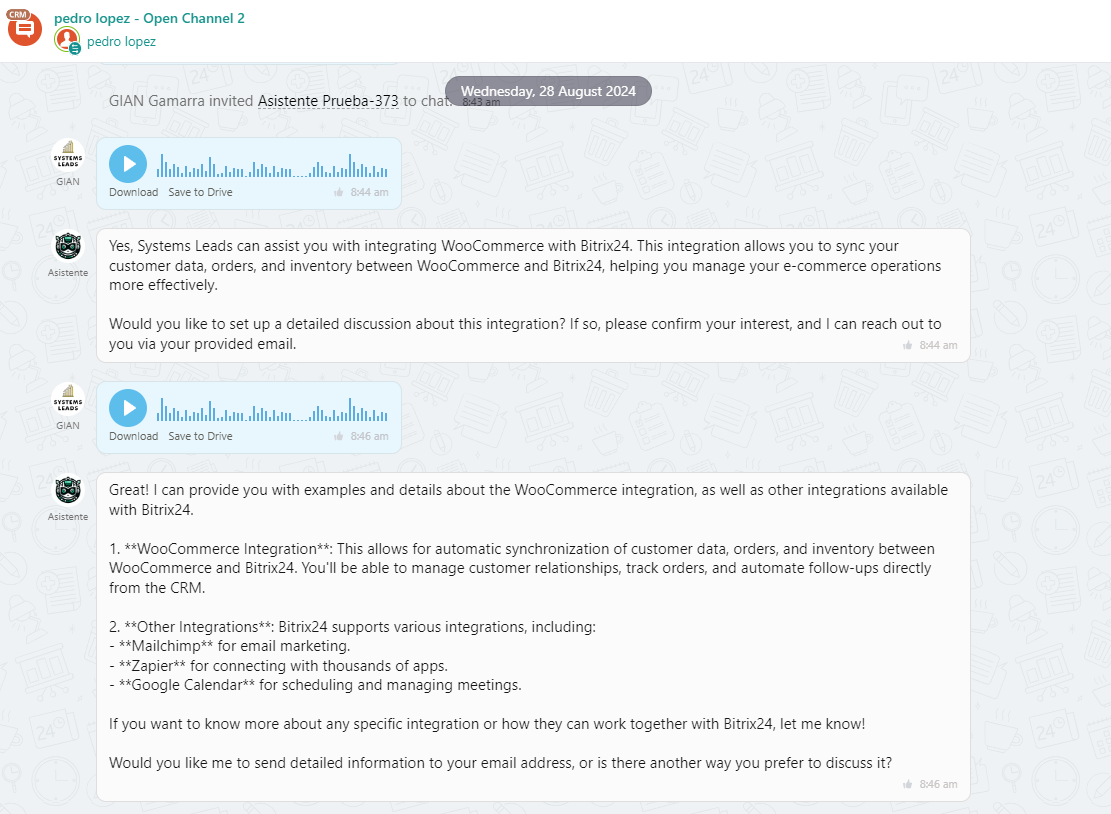
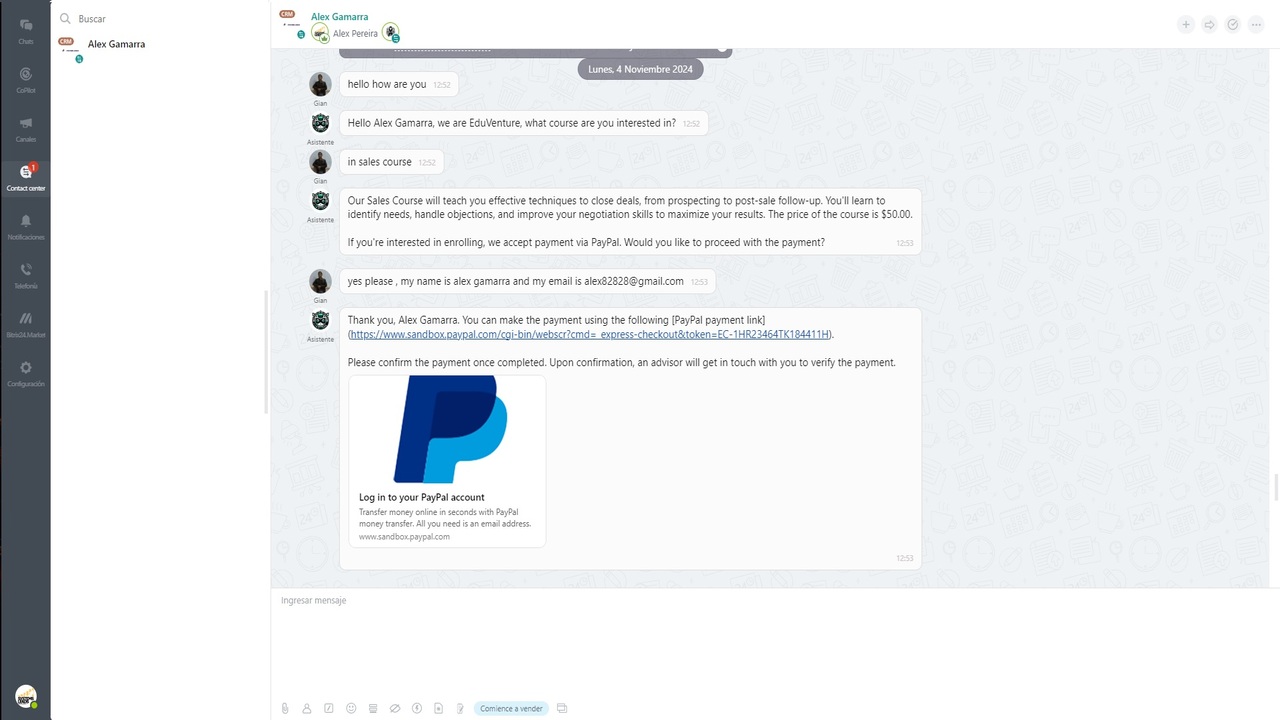
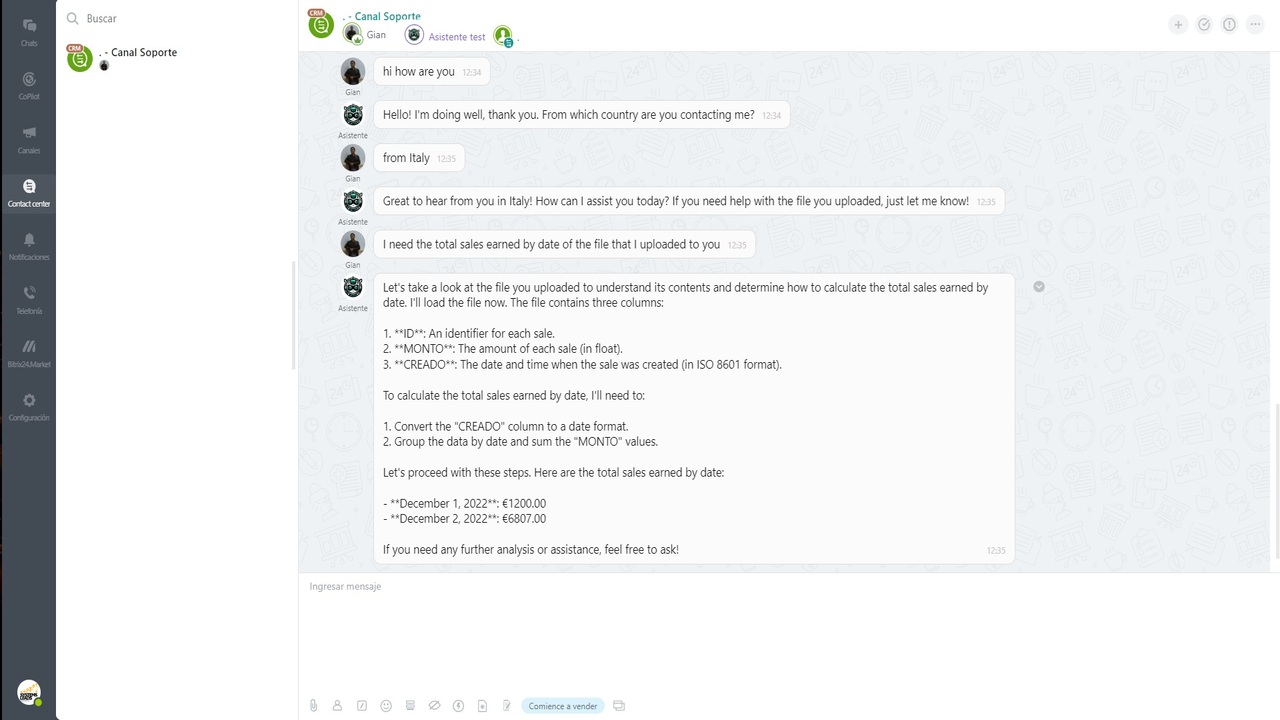
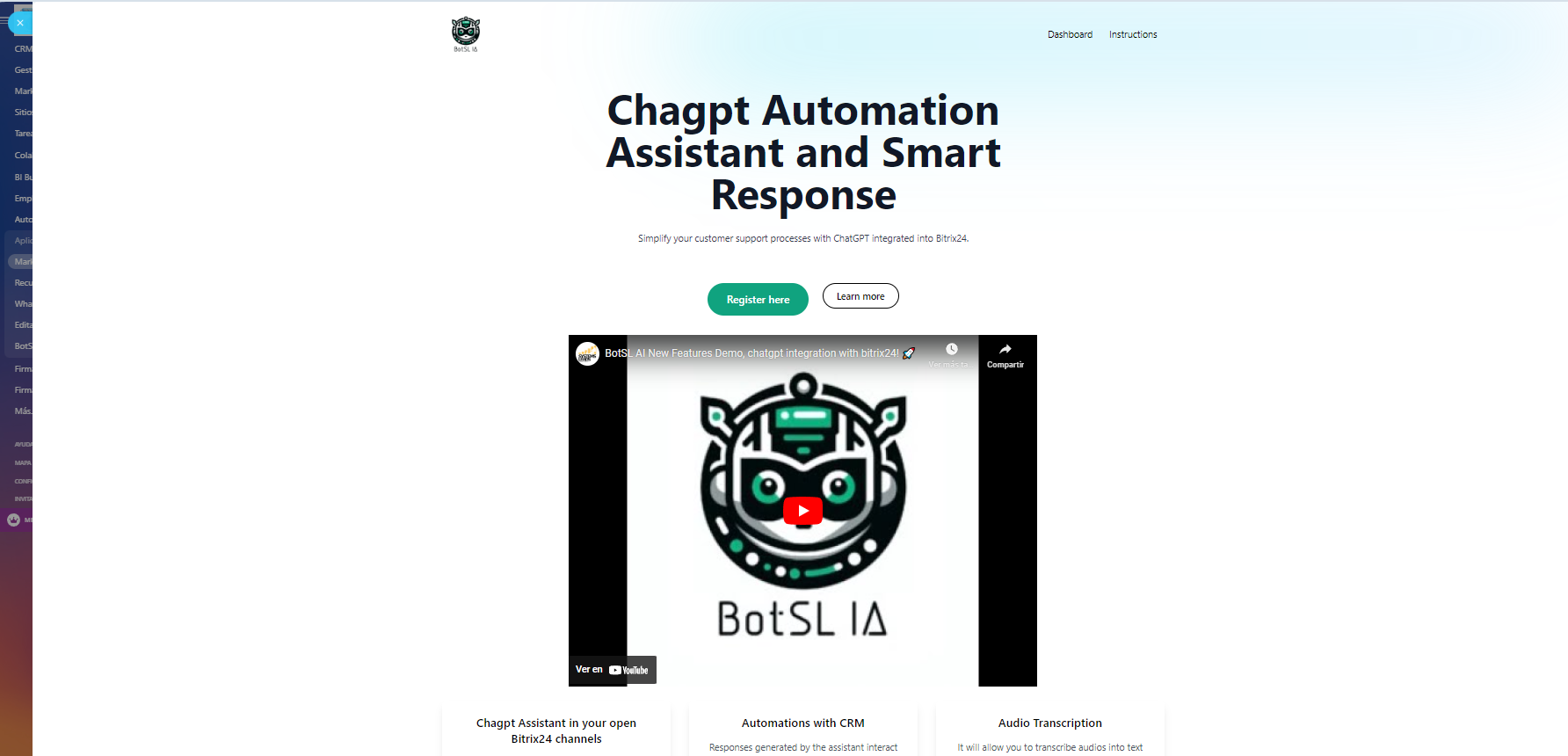
Connect your ChatGPT assistant with any open channel: WhatsApp, Facebook, Instagram, Telegram, or live chat.
Boost your communication by integrating your VoIP phone with Retell AI to manage smart calls directly from Bitrix24.
The assistant responds in text and audio as instructed.
Customer service that is natural, fast, and available 24/7.
Payments are made directly through ChatGPT, with no intermediaries—you control your expenses.
Integration Plans
Plan Start – $15/month
Basic connection with ChatGPT (no CRM automations).
Plan Basic – $25/month
Includes CRM automations.
Plan Pro – $35/month
Advanced automation by stages and workflows.
Includes:
Schedule appointments in Bitrix24 calendar or CRM.
Personalized greeting with customer name.
Schedule calls in the CRM.
Save data in Bitrix24 fields.
Connect Bitrix24 product catalog with ChatGPT.
Transfer conversations to users or open channels.
Helpdesk AI for instant support.
Payment link generation (PayPal available, more coming soon).
Retell AI for smart calls.
24/7 Support
Available in Spanish and English, with specialists ready to help you at any time.
Make your business respond, schedule, and sell automatically with ChatGPT + Bitrix24.
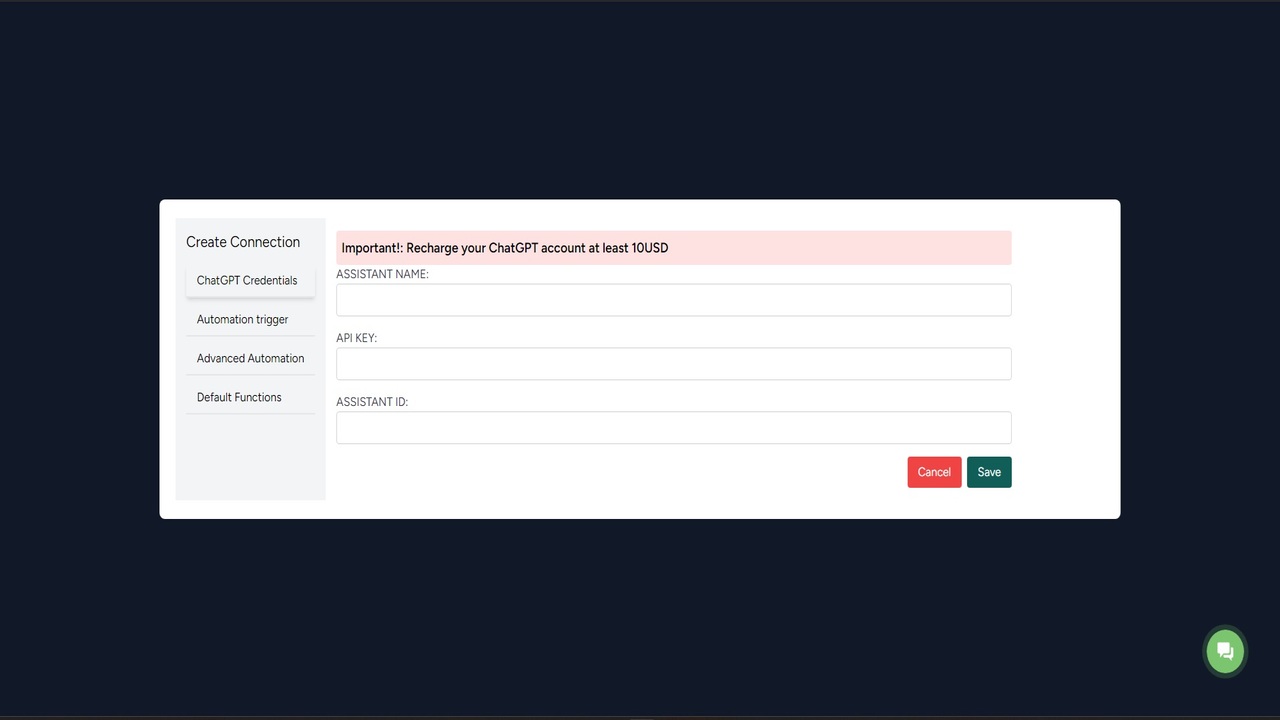
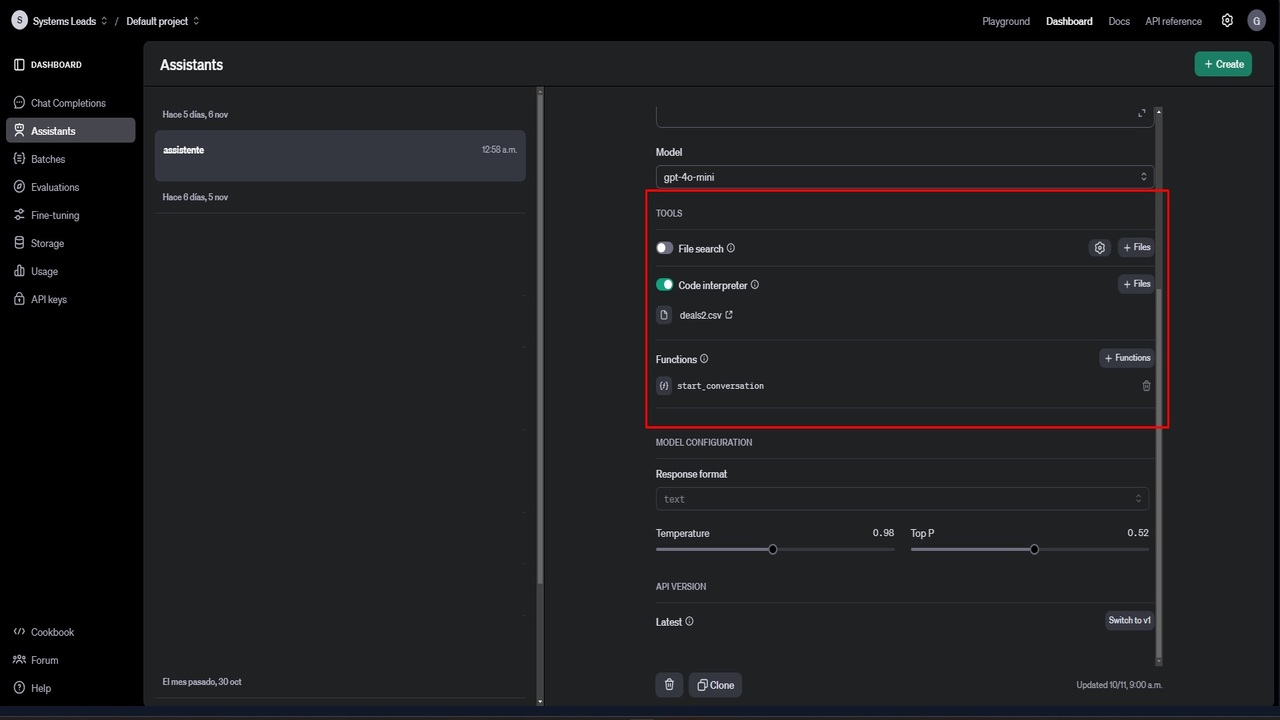
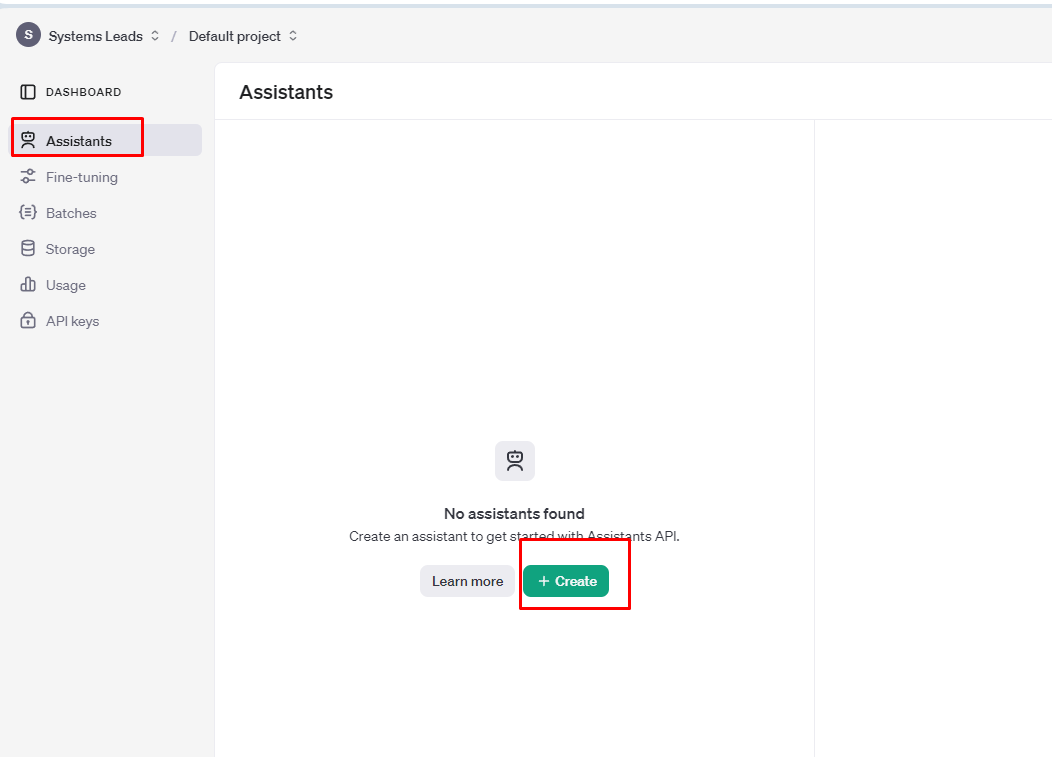
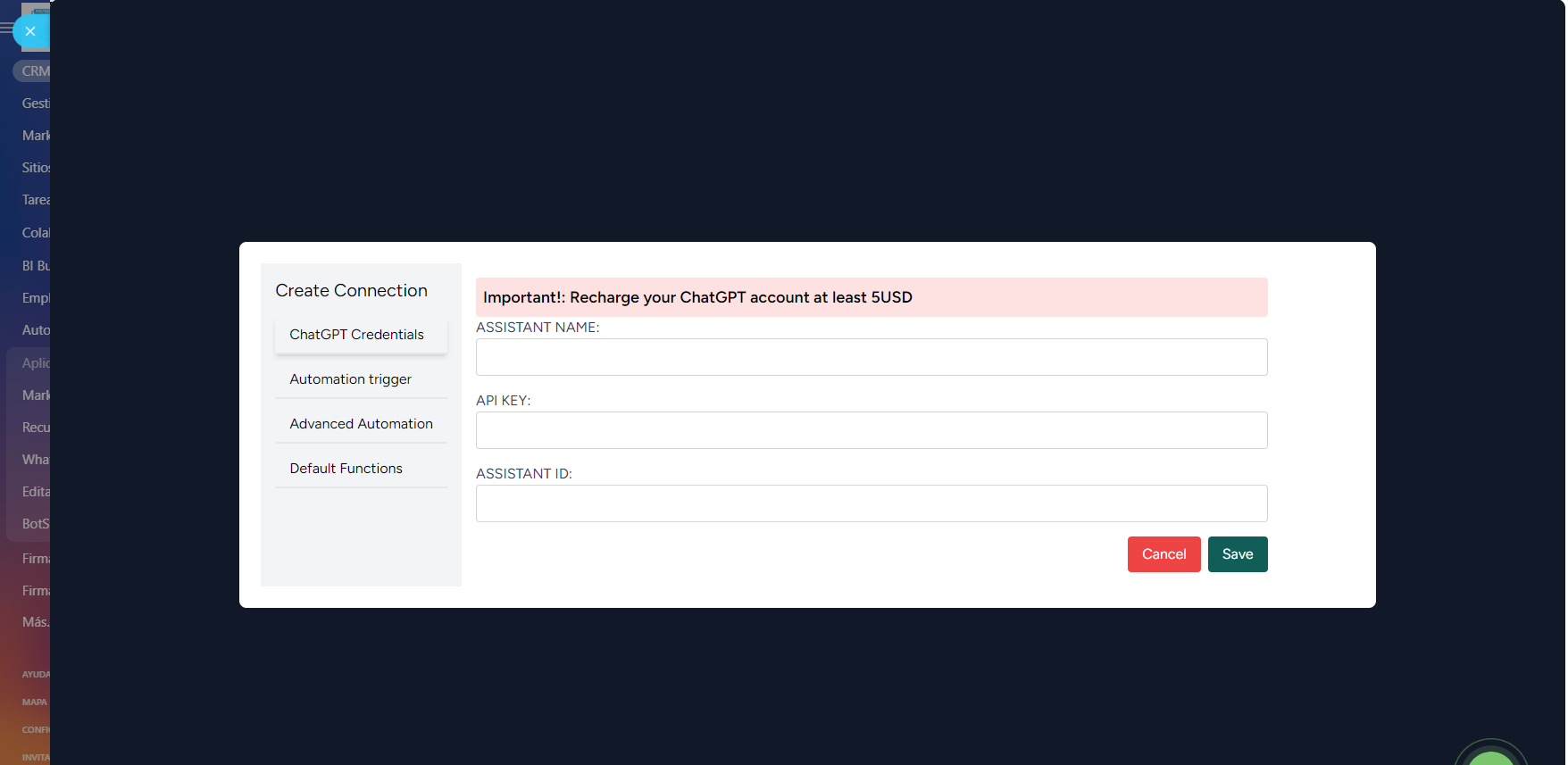
Create your assistant and save their id
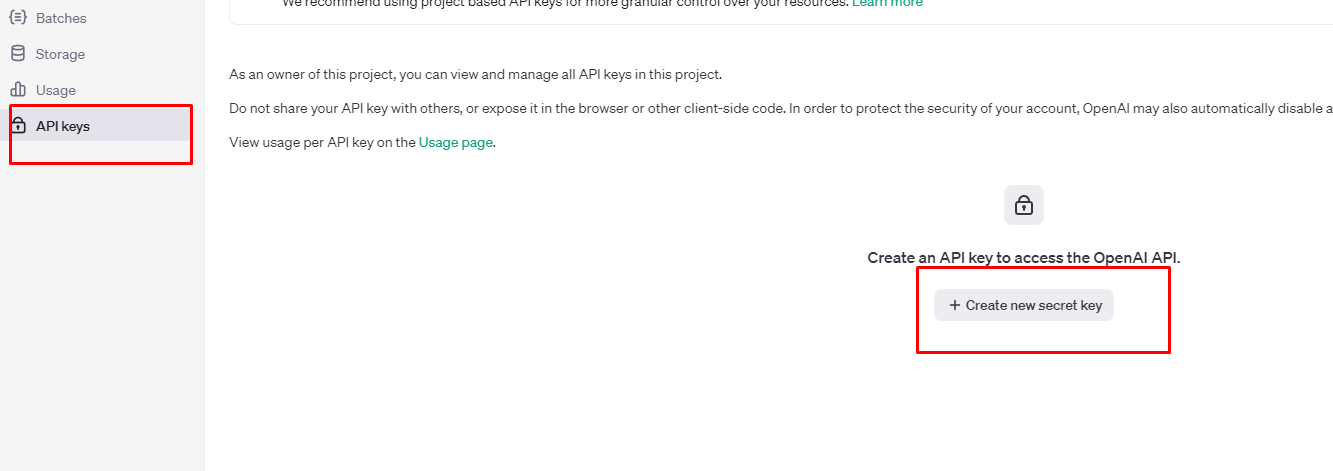
Create an API and save their API
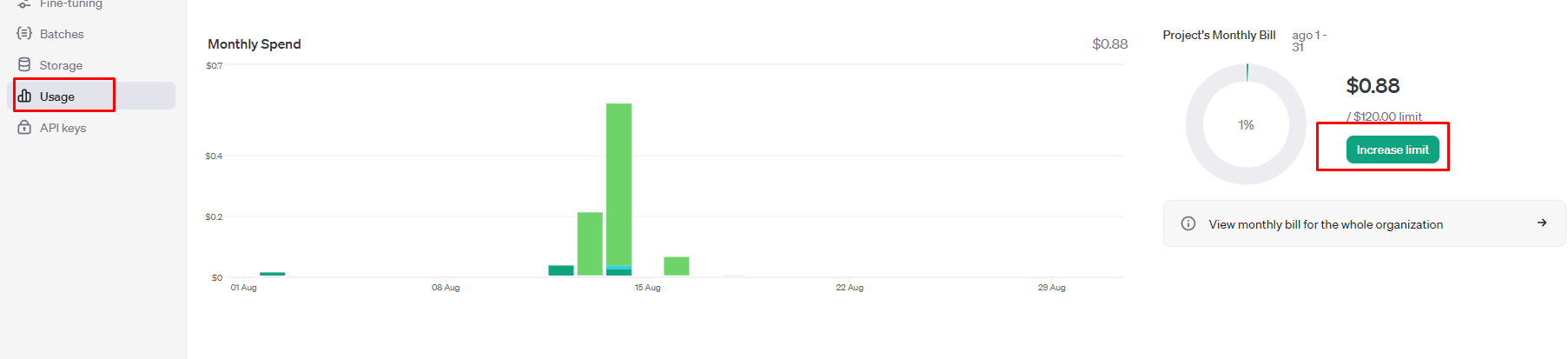
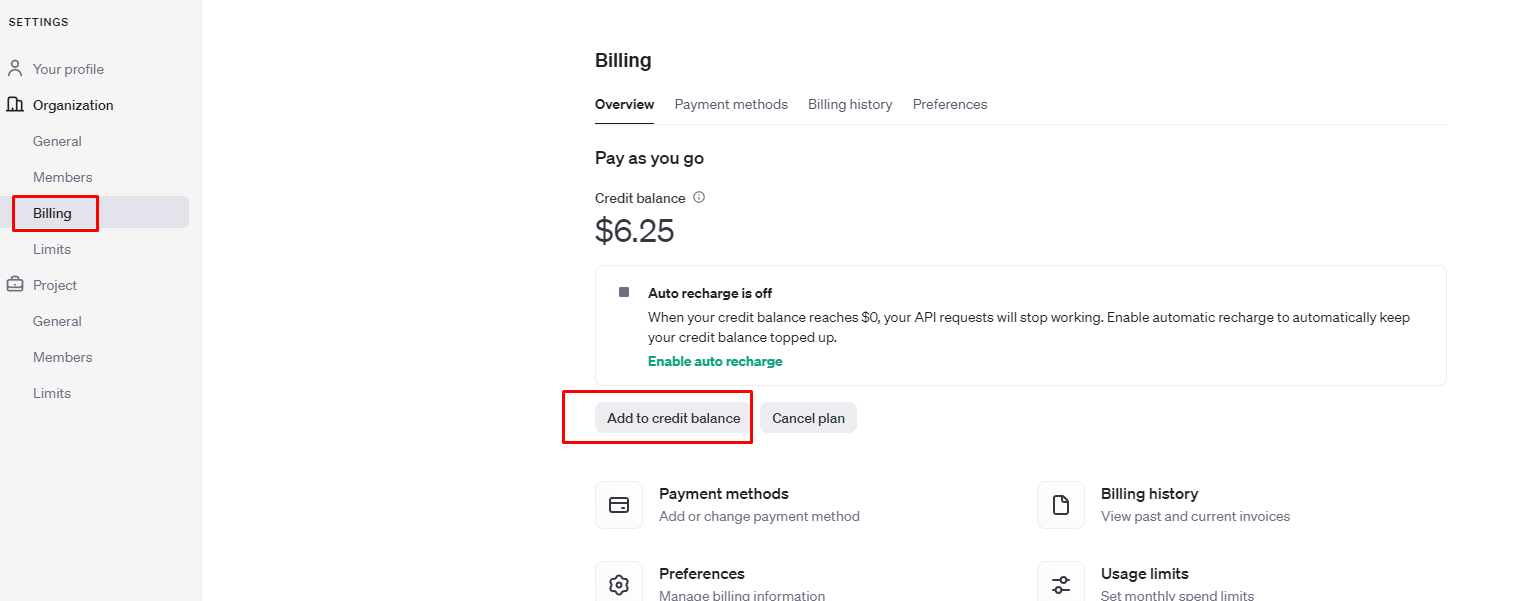
Go to the payments section and recharge with at least 10 to 15 dollars
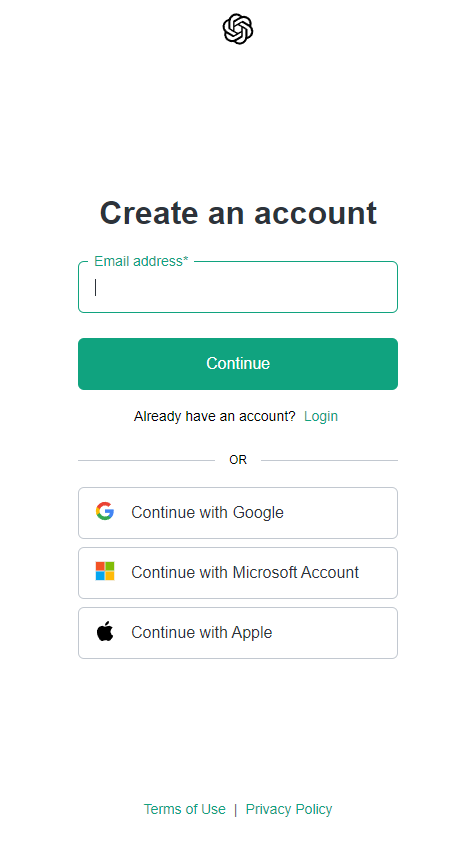
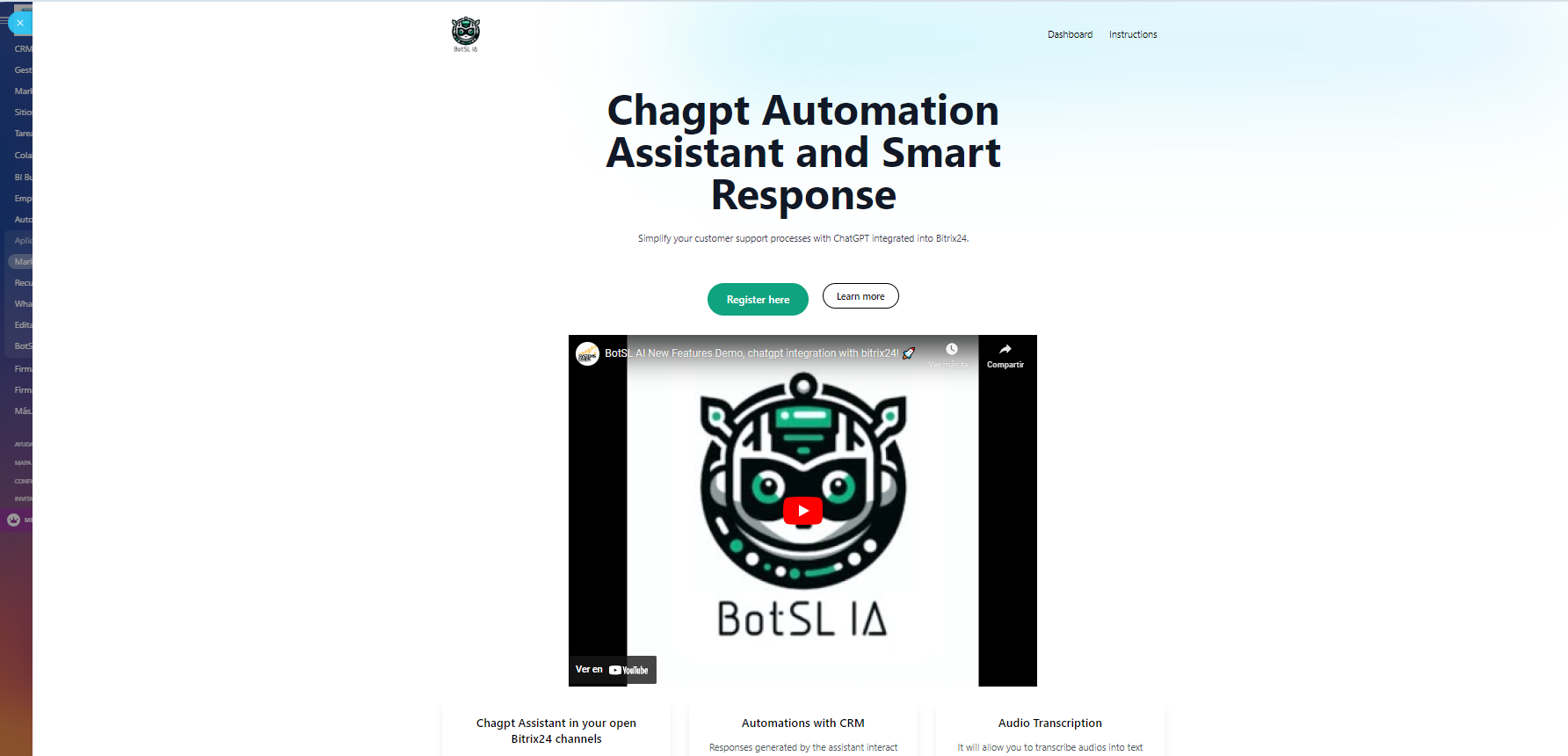
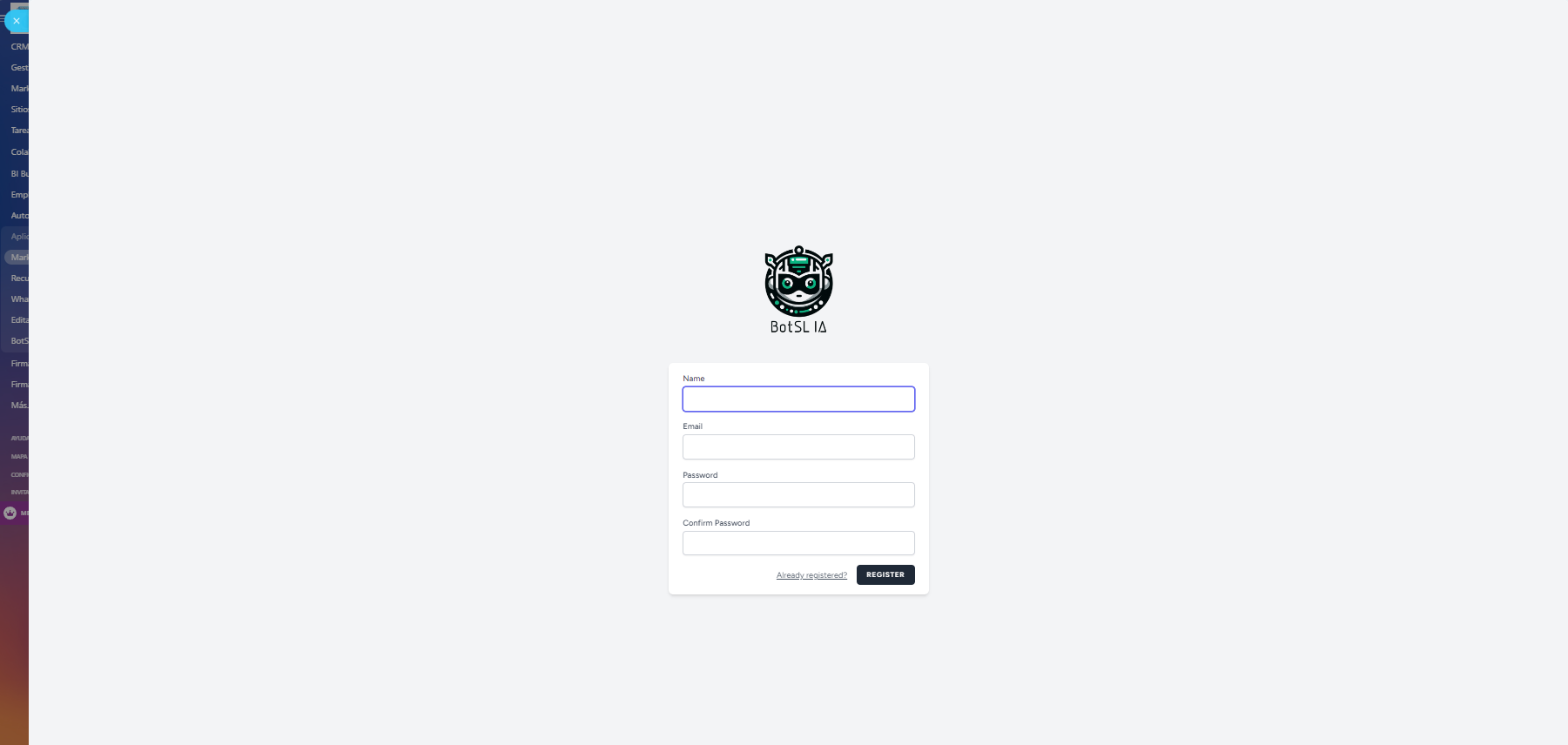
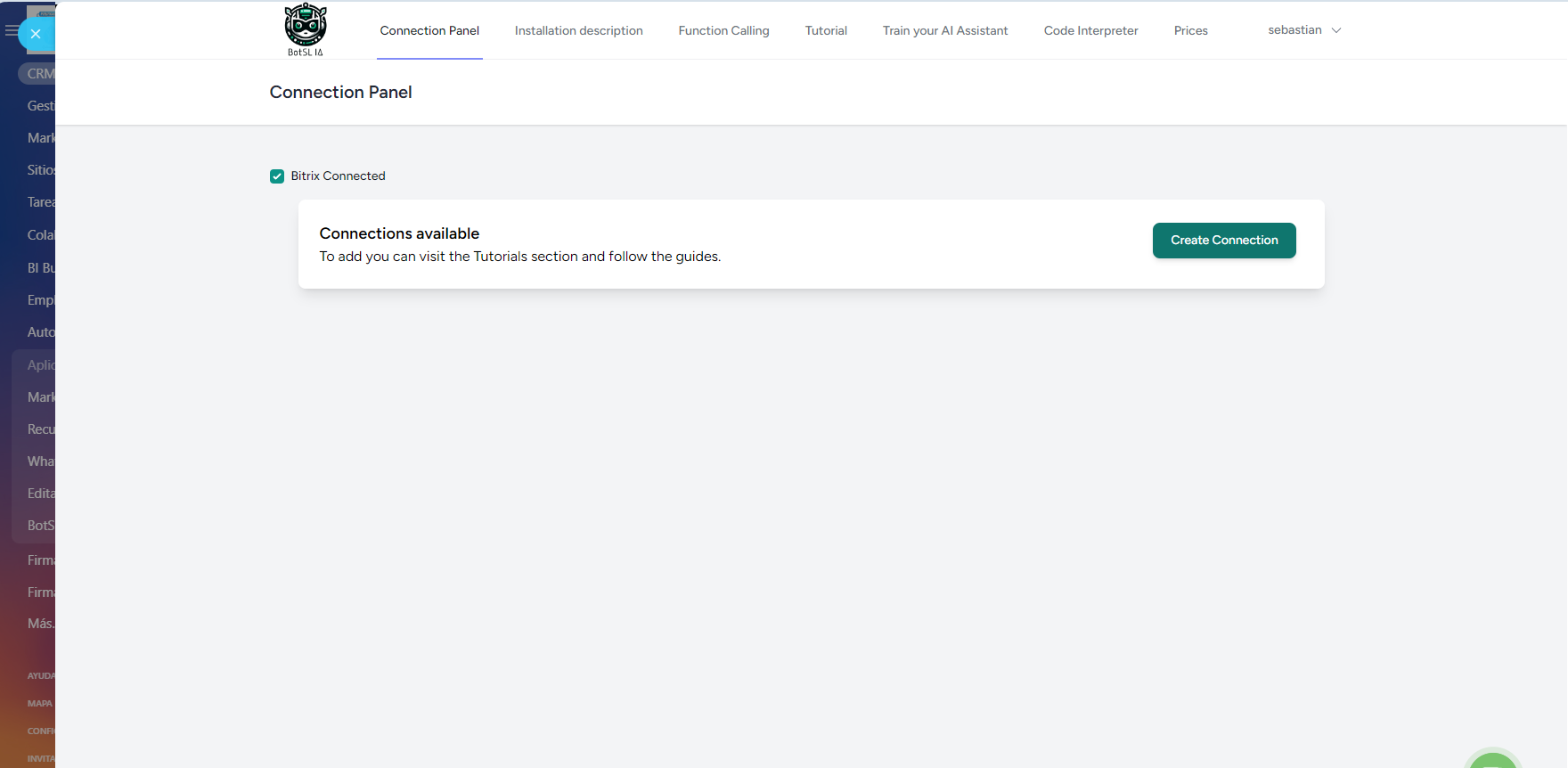
Go to the installed app and click on the Register here button. Create your account on our administration platform
Once registered, you can create a connection with your chatgpt credentials
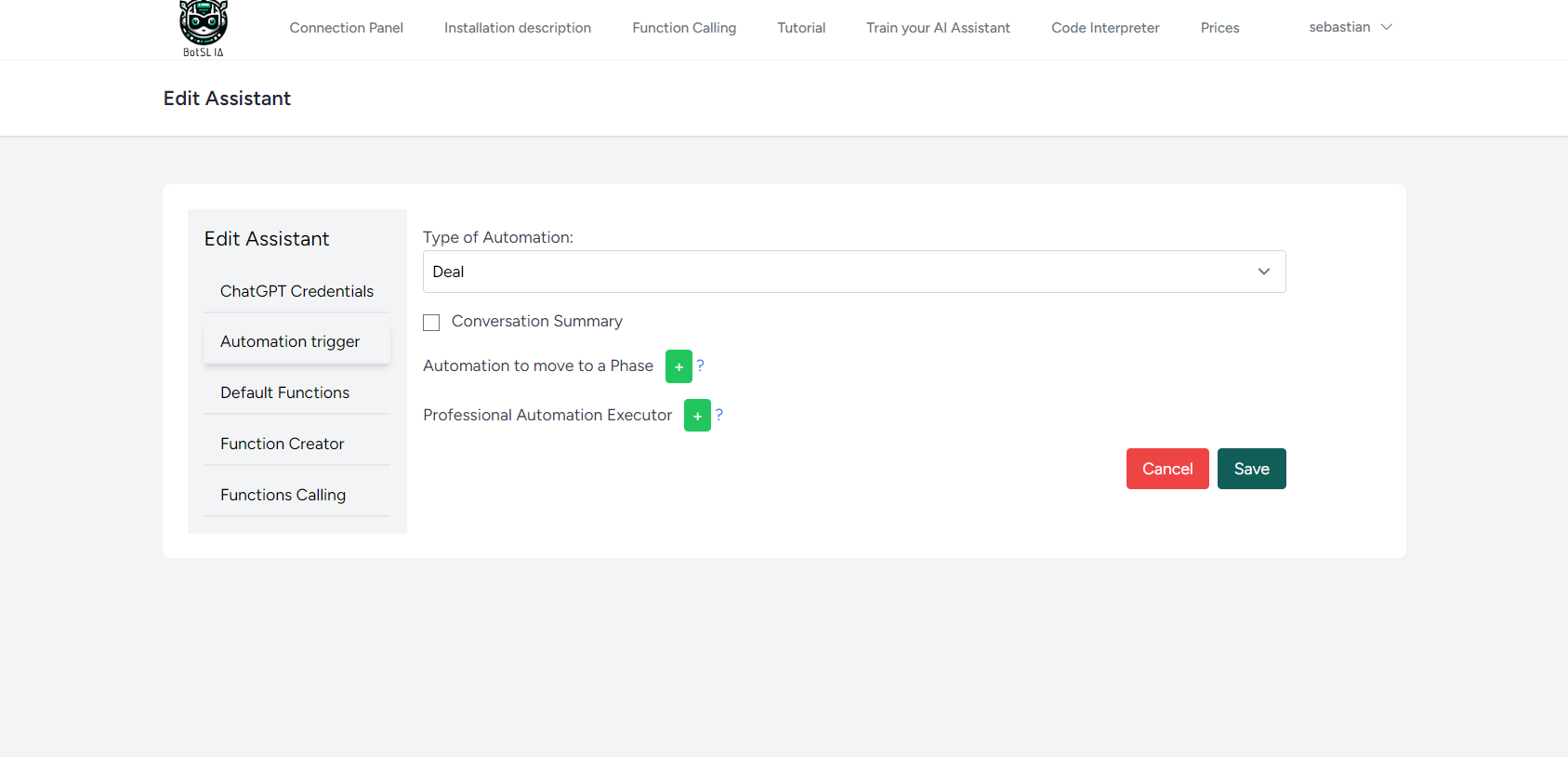
The response summary button is responsible for saving a summary of the conversation within the comment field depending on whether you select a deal or a lead. For this, in your wizard instruction, add this at the end:
"When the conversation is finished, indicate a summary with the following format:
1. Name: Jose
2. Gmail: Jose@maiul.com
3. Phone: 9949494
4. Interest: ", you can add more options and our bot will take care of saving it in comments.
The phase automation button will allow you to place an icon and a phase where the deal or lead will go depending on whether the bot is in a part of the conversation or detects something that you indicated, for example.
"When you detect that the client is not potential, please add this icon within the conversation


El soporte técnico también ha sido de primera calidad: cualquier consulta o ajuste que necesitamos fue atendido rápidamente, lo que demuestra el compromiso del equipo de BotsLia con la satisfacción del cliente.
Recomendaría BotsLia sin dudarlo a cualquier empresa que busque una solución robusta y eficiente para la gestión de interacciones automatizadas.